A BRIEFING. YOUR EXCUSE WILL BE LONGER.
How to Play
Choose your game. Learn the controls. Give The Heckler fewer excuses to work with.
How Wrong You Are
Estimate real answers and take on short skill tests. The Heckler checks whether your confidence survives the evidence.
1. Choose a mode.
Pick a question-based game, survival or a minigame marathon. Full Marathon covers the minigame set; Half Marathon uses a random half. Training lets you focus on an individual minigame.
2. Answer before time runs out.
You have 30 seconds for a question. For an estimate, move the slider to your answer and submit it. Other question types show their own answer controls. Read the revealed answer and explanation to see what you missed.
3. Follow each minigame’s controls.
React, remember, judge time or track a changing scene. Read the instruction when the game changes. The last game’s winning move may be this game’s mistake.
4. Check your result.
Compare scores within the same mode. A lower Failure Index means your estimates were closer to the correct answers. Notice one mistake you can change on your next attempt.
Tower of Failure


THE HECKLER“Your problems are stacking up. Finally, some progress.”
Stack Heckler’s setbacks, develop your crane and strengthen the player holding up your tower. Build higher, earn rewards and give your next attempt a stronger start.
1. Start a game.
Choose STACK MY SETBACKS. Watch the moving block above your tower. The first drop is safe; after that, timing is your responsibility.
2. Drop the block.
Tap or click the play area, or press Space or Enter. Aim to land the block directly on the one below it.
3. Keep your tower standing.
The part that overhangs is cut away, leaving less room for the next block. A perfect hit keeps the full width. Miss the tower completely and the attempt ends. As the tower grows, it also becomes harder for your player to hold steady.
4. Develop your crane and your strength.
Earn Heckler Coins, then open Heckler’s Coin Vault. Unlock cranes with shorter drops, slower movement or less trimming, and buy permanent strength upgrades for future normal games. A stronger player keeps a taller tower steadier for longer. Stronger shoulders. Heckler still has doubts about your judgment.
5. Use the shop during a tower.
In normal games and Daily Challenges, spend Shop Points in Heckler Shop on a wider block, slower crane movement, an aiming guide, a retry of your last drop or extra strength for that attempt. These aids last for that tower. Daily and Friend Challenges start with the same basic crane and strength level for everyone.
6. Beat your best.
Check your floor count and personal best, then try to build higher. The crane gets faster as you climb. Apparently your problems have places to be.
Poop Puzzle: Merge & Flush
Drop animal-poop pieces into a physics puzzle. Matching pieces merge when they touch, becoming the next shape in the chain. The goal panel tells you what this particular puzzle needs.
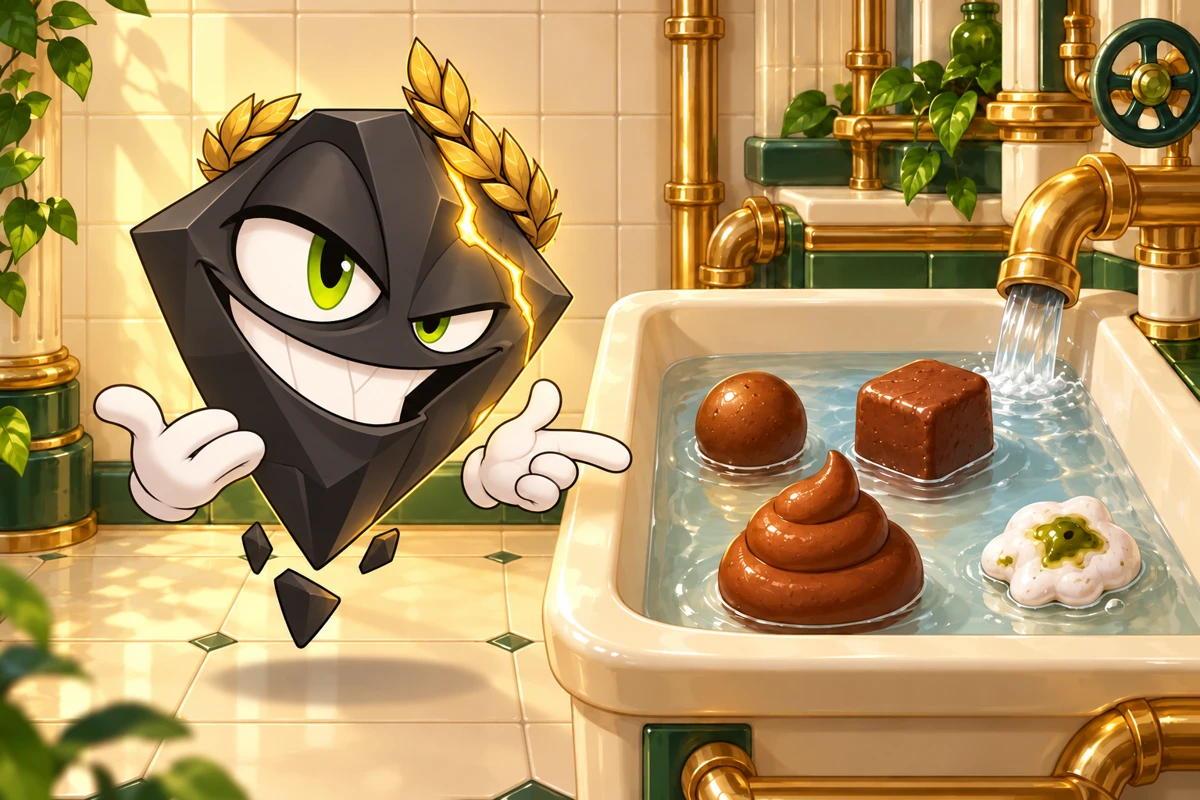
THE HECKLER“A solid plan. Until you added water.”
1. Choose a mode and read the goal.
Open New game to choose puzzles, Free Play or a challenge. In a puzzle, check the required shape or task and the available pieces before dropping anything. Free Play lets you explore the merge chain without a specific puzzle target.
2. Aim, rotate, then drop.
Use the rotation buttons before dropping to change the piece’s angle. With a mouse, move over the playfield to aim, then click and release to drop. On a touchscreen, drag to aim and lift your finger to drop. You can also use the Drop button. Let the pieces settle and watch for merges before planning the next move.
3. Follow the merge chain.
Two identical pieces combine into the next type. The chain above the playfield shows the order and marks the current piece and puzzle target. Two dinosaur piles trigger a flush. Coffee beans are a special case and do not follow the normal merge chain.
4. Use water and the reserve deliberately.
Water changes how some materials behave; others resist it. Check your supply before using it. The reserve holds a piece for later when the mode allows it. A different drop order can matter more than another drop.
5. Check the level’s special mechanism.
Some puzzles involve plugs, drains, exits or obstacles. Follow the on-screen arrows and instructions for the current level. Undo, hints and skipping are offered where available; check the displayed cost or ad requirement before choosing one.
Try this: identify the pair you want to merge first, then leave a path for the second piece. Filling every empty space is an excellent way to run out of useful empty space.
Cut to Keep: Logic Puzzles
Previously called Don’t Waste That Cut. Each cut creates the tool you must use on the next sheet. Your final piece must match the gold target exactly.
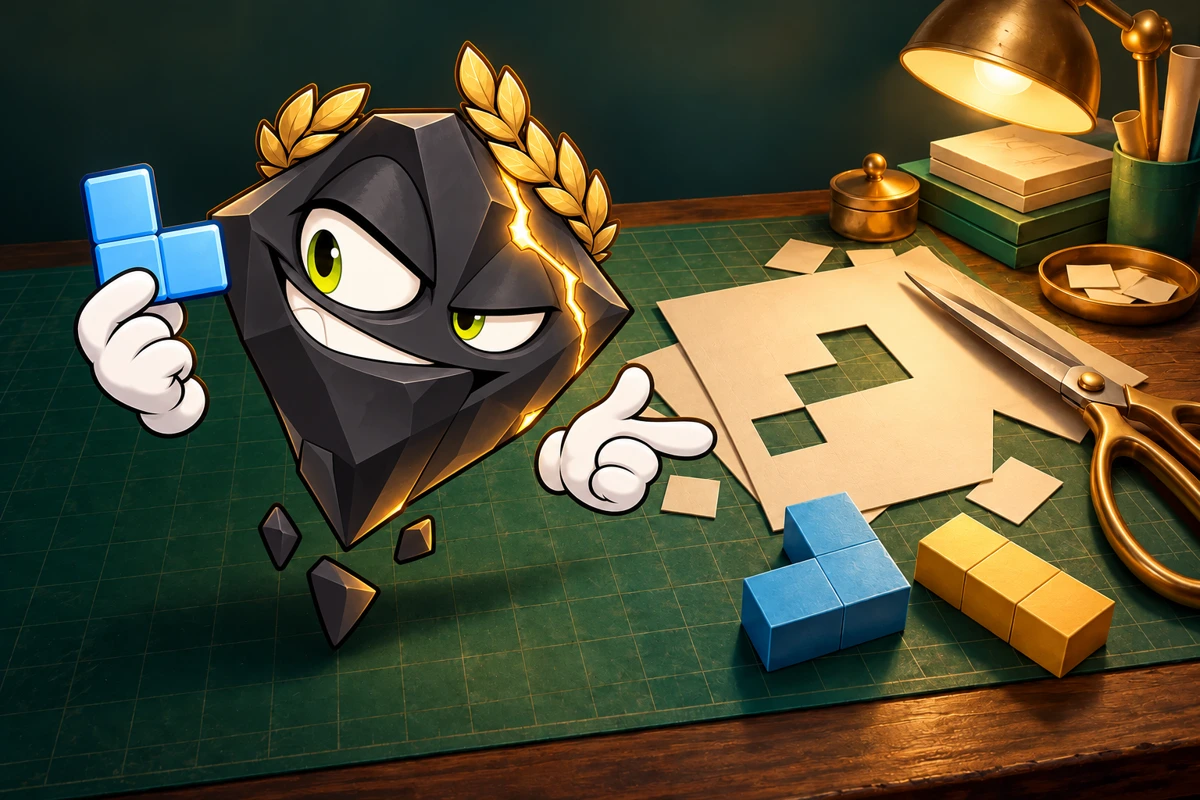
THE HECKLER“You kept the piece. Shame about the plan.”
1. Start with the tutorial and inspect the target.
The guided lessons show placement, cutting and rotation, then explain how a legal cut can cause a dead end later. Look at the gold target: extra cells do not count as a solution.
2. Place the blue current tool.
Tap a position on the sheet and use Rotate to turn the tool. The preview shows the material that will survive. Cover every required + cell and leave the forbidden × cells outside the tool.
3. Cut to keep the overlap.
Press Cut. Only material inside the blue tool survives, and that connected piece becomes your next tool. You cannot add material back by moving to a larger sheet.
4. Inspect future sheets before committing.
Open the upcoming sheets to see their required and forbidden cells. Work backwards from the final shape: which corners, branches or width will the next sheet need? A cut can obey the current rules and still leave you unable to finish.
5. Finish with exactly the target.
Complete the sheet chain with no extra cells. The target may be rotated, but a mirror image is a different shape. If your plan fails, restart or use an available undo. Hints can help you inspect the decision; check any displayed cost before using an aid.
Try this: before each cut, name one feature your next tool must retain. “It fits here” is a promising sentence with a very short planning horizon.